
Back to articles
 Social Media
Read article
Social Media
Read article
 Read article
 Read article
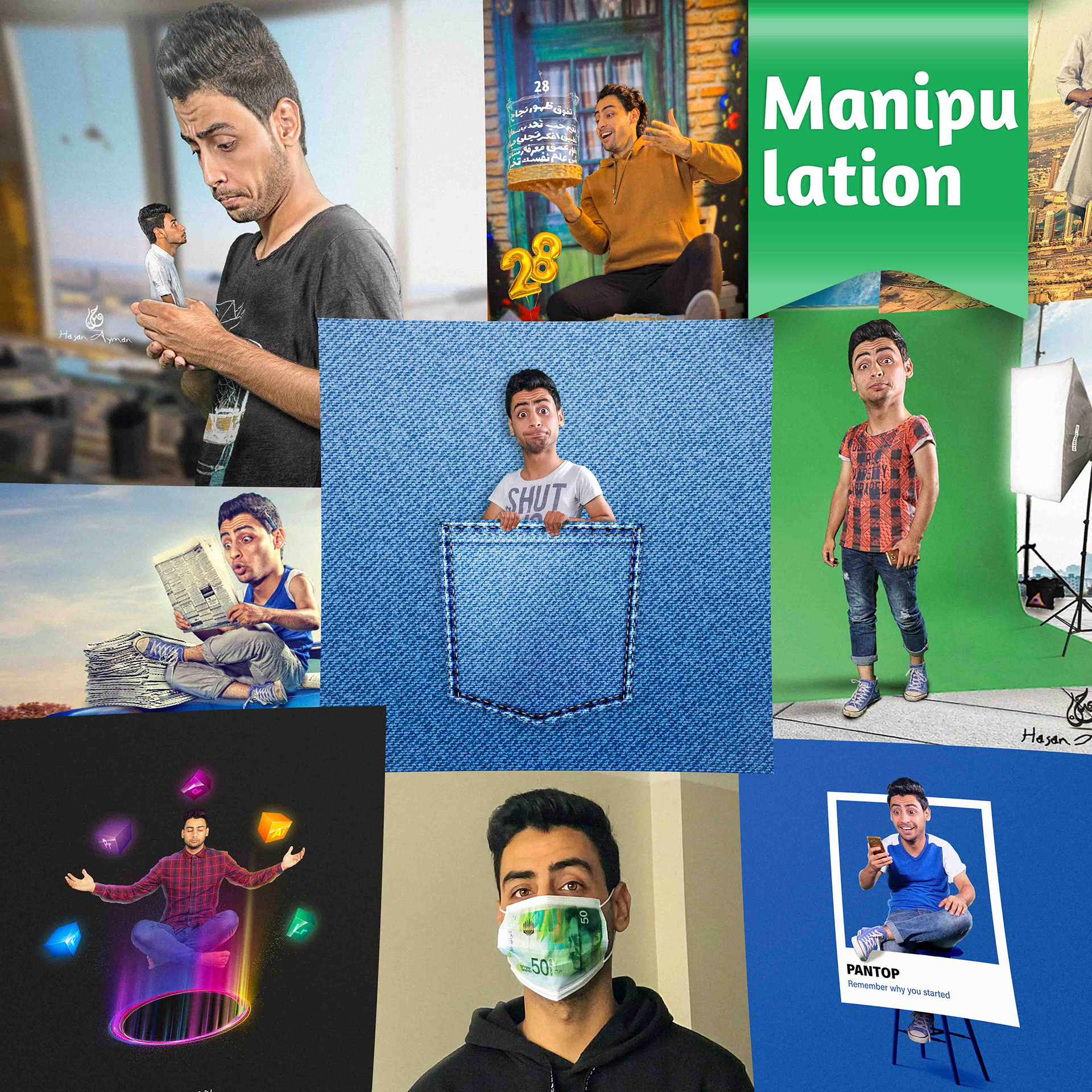
The Art of Photo Manipulation
Photo Manipulation is deeper than cut-and-paste. The goal is to create a believable alternate reality.
1. Masking quality
Pen Toolfor sharp edgesSelect Subject+ Refine Edge for hair- Channels for complex edges
2. Unifying lighting
- Same direction of light
- Same intensity
- Same color temperature
A shadow isn't a black line. Shadows are composite colors.
3. Final color grading
This is what unifies the layers visually. Use Color Lookup or Camera Raw.
Keywords
Related articles
Social Media
Designing a Cohesive Social Media System
How to build a full design system that makes your accounts feel polished and consistent — grids, typography, colors, and visual consistency rules.
Motion Graphics Fundamentals in After Effects
Start from scratch and learn how to turn your static design into smooth, engaging motion. This article covers timing principles, Easing basics, and best practices.
From Idea to Delivery: The Logo Design Process
A full journey from brainstorm to final delivery. We cover research, sketching, execution, and finally the brand guidelines.